 Ferrocast Install
 Trim video on your Mac, offline
Trim a video in Ferrocast with a frame-accurate viewer, timeline and start and end markers, or a typed trim range. Requires ffmpeg.
- Shortcut
- ⇧⌘V
- Input formats
mp4movmkv
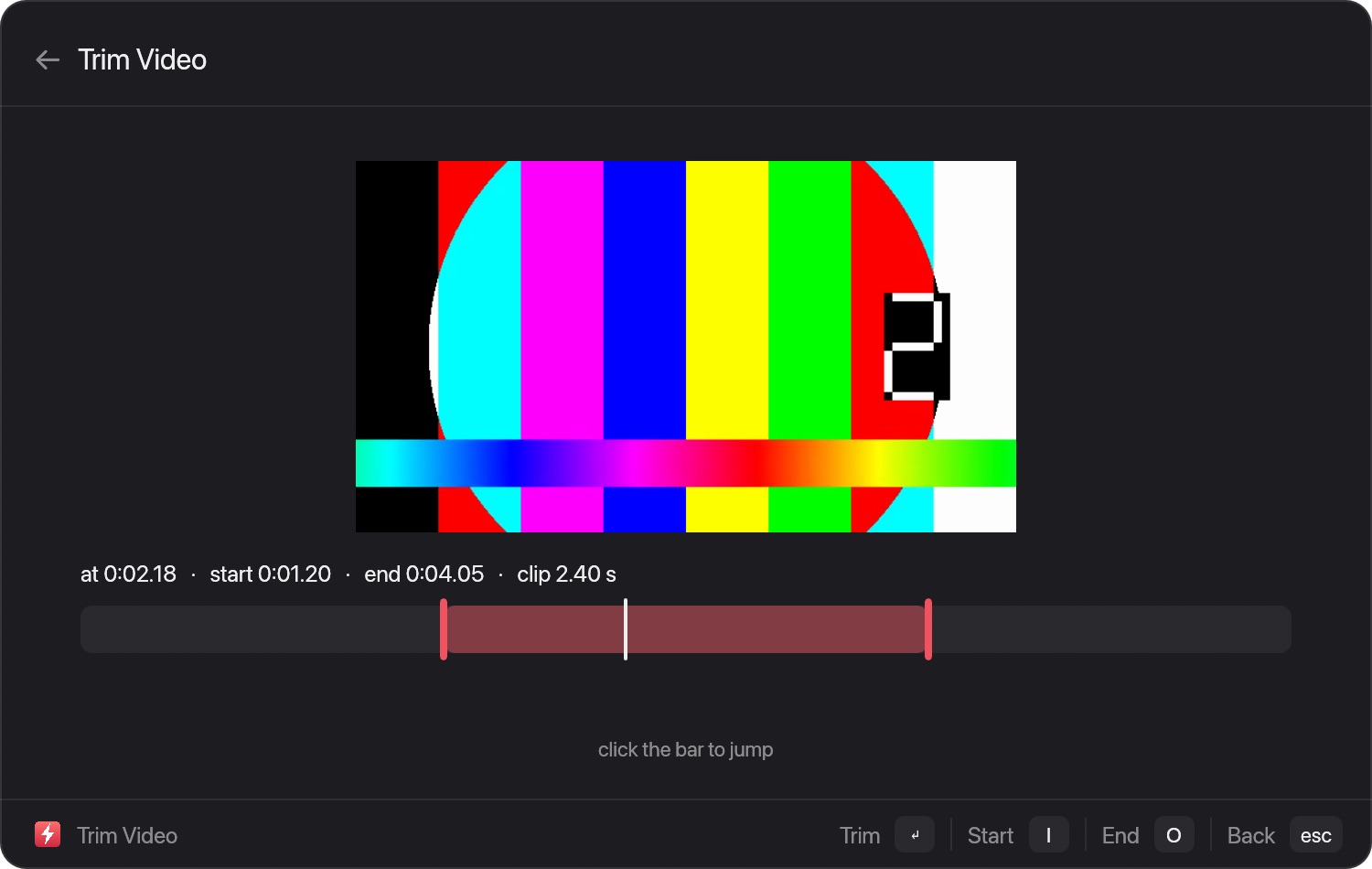
How to use it
- Drag a file, or select it in the launcher.
- Press ⇧⌘V on the file result, or tap ⌘ while dragging.
- Choose Trim video. The result is saved beside the original.
Read the full guide, with limits
Install Ferrocast
brew tap drumst0ck/ferrocast
brew install drumst0ck/ferrocast/ferrocast
ln -sfn "$(brew --prefix)/opt/ferrocast/Ferrocast.app" \
  /Applications/Ferrocast.app
open /Applications/Ferrocast.app
Free, open source (MIT), Apple Silicon only. All file tools · All conversions