 Ferrocast
 Edit metadata on your Mac, offline
Inspect, edit or remove metadata of audio, video, GIF and PDF files in Ferrocast, grouped by file, track and chapter. Images use typed commands.
- Shortcut
- None; open it from the Tools wheel or the Convert view
- Input formats
jpgpngwebpheictiffmp3m4awavflacmp4movmkvgifpdf
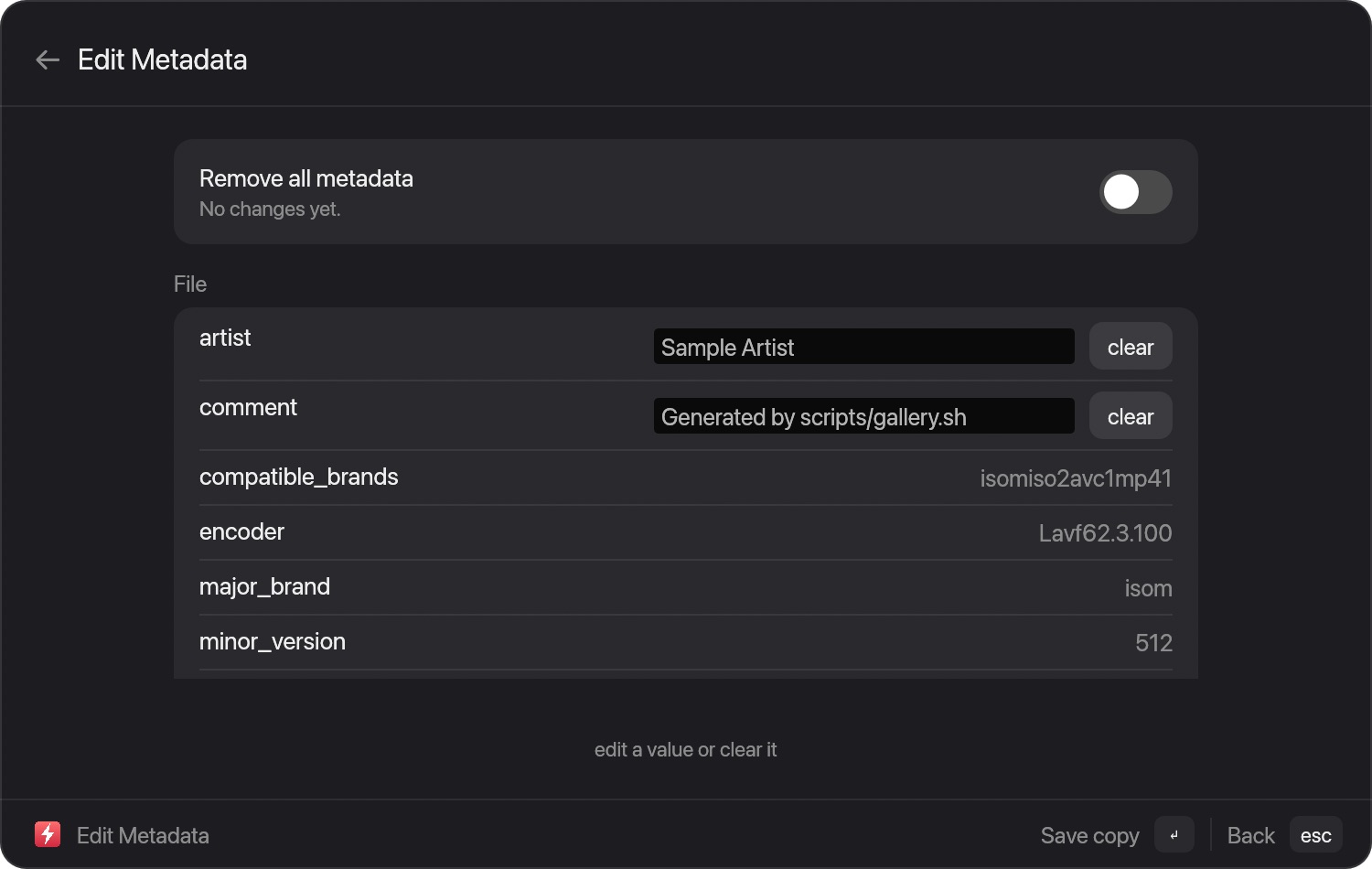
How to use it
- Drag a file, or select it in the launcher.
- Open the Tools wheel: tap ⌘ while dragging.
- Choose Edit metadata. The result is saved beside the original.
Read the full guide, with limits
Install Ferrocast
brew tap drumst0ck/ferrocast
brew install drumst0ck/ferrocast/ferrocast
ln -sfn "$(brew --prefix)/opt/ferrocast/Ferrocast.app" \
  /Applications/Ferrocast.app
open /Applications/Ferrocast.app
Free, open source (MIT), Apple Silicon only. All file tools · All conversions